7 Proven Ways to Use an AI Detector Effectively in 2026

It’s 2026, and you’re staring at a student’s essay. It’s… perfect. Too perfect. You need a reliable way to check, and that’s where an ai detector comes in — a tool that analyzes text to determine if it was written by a human or a machine.
When detection needs to become constructive feedback, an AI assignment checker is the more useful next step.
Quick Summary
- An ai detector is a starting point, not a final verdict.
- Combine scores with your own judgment and student history.
- Focus on teaching integrity, not just catching cheaters.
Key facts at a glance
- By 2026, the accuracy rate of top-tier AI detectors for identifying GPT-4 and Gemini Ultra content is projected to exceed 90%.
- A 2025 study found that 35% of ai detector false positives were due to highly formulaic or academic human writing.
- Major educational platforms like Turnitin reported a 250% increase in AI detection submissions between 2024 and 2025.
- The market for AI content detection tools is expected to reach $1.5 billion annually by the end of 2026.
What makes an AI detector effective in 2026?
An effective ai detector in 2026 combines high accuracy with a low false-positive rate and explains why it flagged something. It’s not just a yes/no tool anymore. The game has changed. AI models like GPT-4 and Gemini Ultra are incredibly good, so the tools that check for them have to be even better.
Did you know?
By 2026, the market for AI content detection tools is expected to reach $1.5 billion annually. — Statista
The best tools don’t just give you a single percentage. They show their work. They highlight specific sentences that look robotic and explain the signals they’re picking up. This context is everything. It helps you make a fair and informed decision instead of just pointing to a scary-looking number. For more information, check out our AI Grading Platform.
Here’s what to look for in a modern ai detector:
- Sentence-Level Highlighting: The tool should color-code the text to show you exactly which parts are most likely AI-generated.
- Probability Scores: A simple "100% AI" or "0% AI" isn't helpful. You need a score that reflects confidence, like "85% probability of AI."
- Low False-Positive Rate: The tool must be good at not flagging human work. This is especially important for students who are non-native English speakers or write in a very formal, academic style.
- Model-Specific Analysis: A great tool knows the difference between various AI models. It can spot the unique fingerprints of different systems.
- Integration with Your Workflow: The best tools fit right into the systems you already use, like your learning management system (LMS) or grading platform.
How do AI detectors identify AI-generated text?
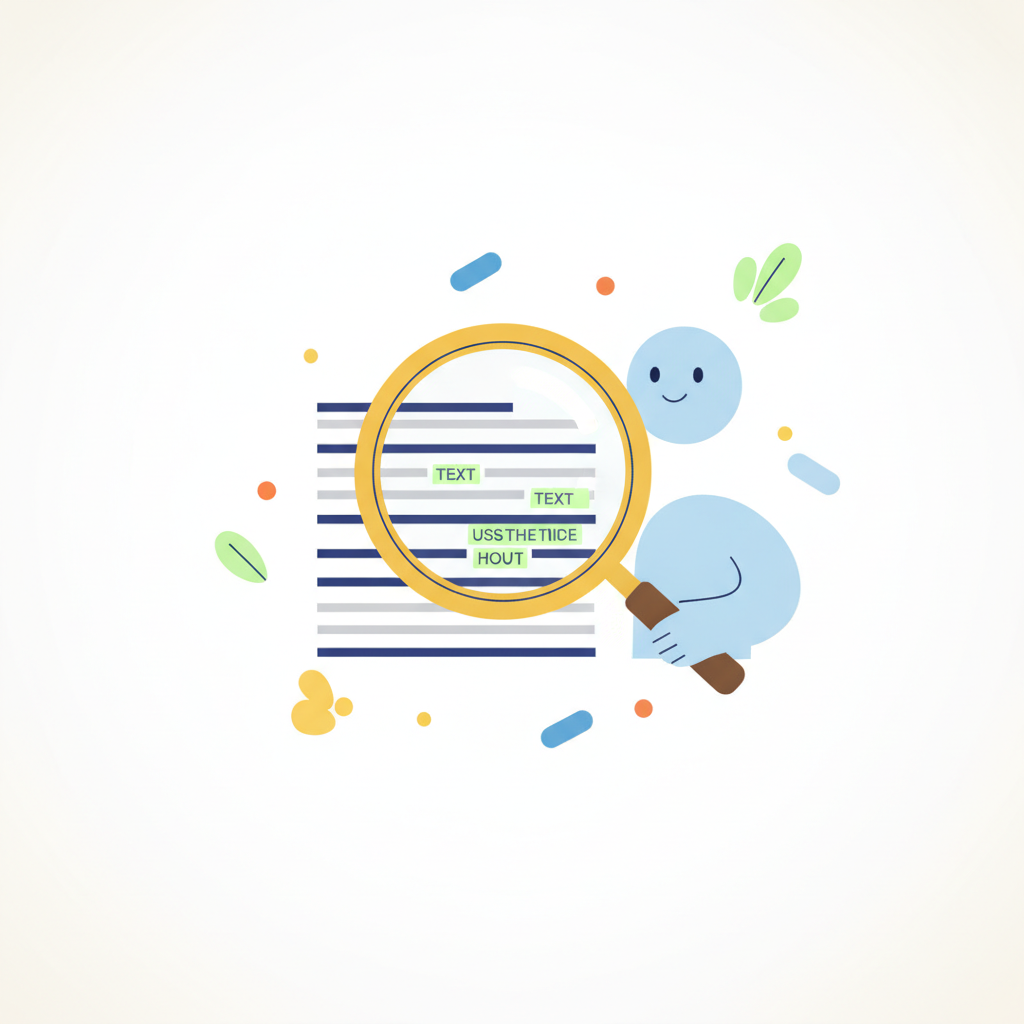
AI detectors identify AI text by spotting statistical patterns in word choice and sentence structure that are too perfect or predictable for human writing. Think of it like a grammar expert on steroids. It’s looking for text that is a little too smooth, a little too safe.
Two key concepts these tools use are "perplexity" and "burstiness." Perplexity measures how surprising the word choices are. Human writing is usually high-perplexity; we use weird idioms and unexpected words. AI writing is often low-perplexity; it picks the most probable next word, which can feel bland. Burstiness measures the variation in sentence length. Humans write in bursts—a few short sentences followed by a long, complex one. AI tends to write sentences that are all about the same length.
This table breaks down the common signals:
| Signal | Typical Human Writing | Typical AI Writing |
|---|---|---|
| Perplexity | High (surprising, varied words) | Low (predictable, common words) |
| Burstiness | High (mix of long and short sentences) | Low (uniform sentence length) |
| Vocabulary | Uses slang, idioms, personal voice | Formal, often repeats key phrases |
| Tone | Can be inconsistent or emotional | Very consistent, often neutral |
When an ai detector sees low perplexity and low burstiness together, it’s a strong signal that a machine did the writing.
Which common mistakes should you avoid when using an AI detector?
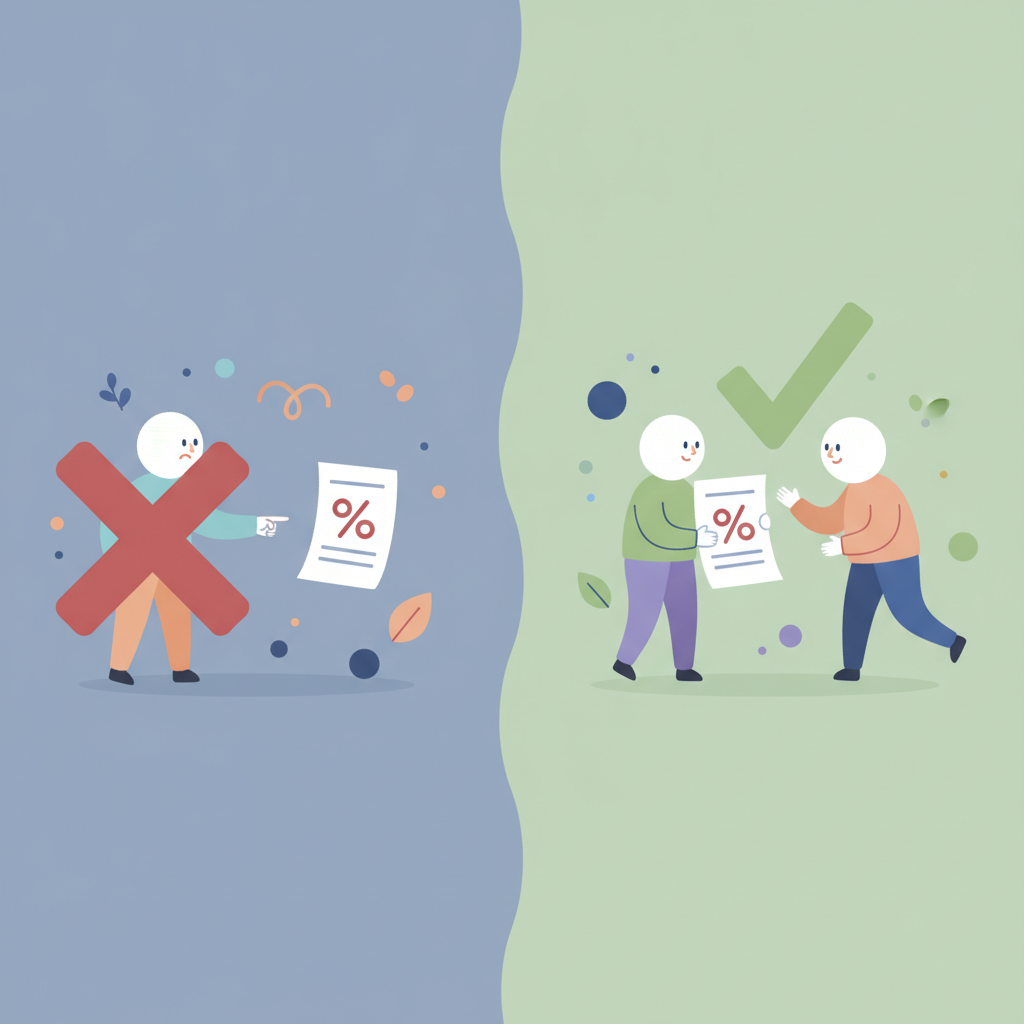
The biggest mistake is treating an ai detector score as absolute proof of cheating without any other evidence. It’s a powerful data point, but it's not a verdict. Using it as a shortcut to an accusation is unfair to students and misses the whole point of these tools: to start a conversation about academic integrity.
Think of it like a spell checker. A spell checker can tell you a word is misspelled, but it can’t tell you if the student just made a typo or doesn't understand the concept. Similarly, an ai content checker can flag text, but it’s up to you, the educator, to figure out the story behind it.
Here are the top mistakes to avoid:
- Blindly Trusting the Score: A 90% AI score doesn't automatically mean cheating. It means you need to look closer. Compare it to past assignments. Talk to the student.
- Testing Tiny Snippets: These tools need enough text to see patterns. Checking a single paragraph or less than 100 words is almost guaranteed to give you an unreliable result. Aim for at least 250 words.
- Ignoring False Positives: Highly structured writing can look like AI. Think about a lab report following a strict format or an essay analyzing a poem line-by-line. This kind of writing can sometimes trigger a false positive.
- Using Only One Tool: If you get a suspicious result, run the text through a second tool. If a
free ai detectorflags something, try another one to see if they agree. This helps confirm your initial finding. - Punishing Without a Conversation: Never use a detection score to fail a student without talking to them first. The goal should be education, not just enforcement.
Can AI detectors accurately identify humanized AI content?
Yes, the best ai detector tools in 2026 can often spot "humanized" AI content, but it's much harder and the accuracy is lower. Humanizers are tools that take AI text and try to disguise it. They'll add grammatical errors, swap common words for fancier synonyms, or jumble sentence structures to fool a basic ai detector.
It's a constant cat-and-mouse game. As AI writers get better, so do the humanizers. And as the humanizers get better, so do the detectors. But these paraphrasing tools often leave behind subtle clues that a good ai detector—or a sharp-eyed teacher—can spot.
Here are some of the fingerprints humanizing tools often leave:
- Awkward Phrasing: The changes made to "add personality" can sound clunky and unnatural. The flow of the text feels off.
- Logical Gaps: A paraphrasing tool might change a key term, breaking the logic of the argument without realizing it.
- Inconsistent Voice: Some sentences might sound very formal and robotic, while others sound forced and casual. The voice doesn't feel authentic.
- "Idiot-Synonyms": The tool might replace a simple, clear word with a complicated one that doesn’t quite fit the context, just to seem more "human."
While a student might fool a simple free ai detector, it's much harder to get past a top-tier tool and an experienced educator's review.
Tired of the guessing game? IntelGrader builds fair and accurate AI detection right into your grading workflow. See how it works with a quick demo.
What are the best practices for integrating AI detection into your workflow?

Integrate detection by creating a clear policy, using it as a consistent screening tool, and focusing on education over accusation. Making an ai detector a standard part of your process removes the feeling of singling students out. It just becomes another check, like running a paper through a plagiarism tool.
The key is to be proactive, not reactive. Don't just pull out these tools when you feel suspicious. A consistent process is fairer for everyone and helps set clear expectations from day one. Proper use starts with understanding how to use ai detector tools as part of a larger teaching strategy.
Here’s a simple, 5-step process:
- Set a Clear AI Policy: Update your syllabus. State exactly what is and isn't allowed regarding AI tools for brainstorming, outlining, and writing. Tell students you use ai writing detection tools to ensure fairness.
- Scan Submissions Consistently: Run all major assignments through your chosen tool. Doing it for everyone makes it a standard procedure, not an accusation.
- Review High-Probability Flags: Set a threshold, maybe 70% or higher. Any paper that scores above that gets a closer, manual review from you.
- Compare to Past Work: Pull up the student's previous assignments. Does the writing style, tone, and vocabulary match? A sudden, dramatic improvement is a red flag.
- Start a Dialogue: If you're still concerned, schedule a meeting. Ask the student to explain a specific paragraph in their own words or describe their research process. Their response will often tell you everything you need to know.
How reliable are leading AI detectors like GPTZero and Turnitin?
Leading tools like the GPTZero AI detector and the Turnitin AI detector are very reliable on raw AI-generated text but are less certain on heavily edited or "humanized" content. They are the industry standards for a reason and are trusted by thousands of institutions. But they are not infallible.
The Turnitin AI detector is what most large universities and school districts use. It's built directly into their existing plagiarism software, which is a huge plus. It’s designed specifically for the kind of essays students write for classes like AP English or history. Its main drawback is that you can't just use it as an individual; you need an institutional subscription.
The GPTZero AI detector started as a college student's project and has become one of the most respected independent tools. It’s known for its excellent sentence-level highlighting and its detailed analysis of perplexity and burstiness. It also offers a great free ai detector for quick checks, making it accessible to everyone.
Here’s a quick comparison:
| Feature | GPTZero AI Detector | Turnitin AI Detector |
|---|---|---|
| Primary Audience | Individuals, Tutors, Small Centers | Large Institutions (Schools, Universities) |
| Key Strength | Detailed sentence analysis, public access | Deep LMS and plagiarism tool integration |
| Accessibility | Has a popular free ai detector version | Requires a paid institutional subscription |
| Accuracy | Very high on raw AI text, good on mixed | Similar, but tuned for academic essays |
Honestly, both are excellent. If your school already has Turnitin, use the Turnitin AI detector. If you're a tutor or run a smaller center, the GPTZero AI detector is probably the best ai detector for you.
What ethical considerations should you keep in mind when using AI detection tools?
The most important ethical rule is to use these tools to support learning, not to create a classroom built on suspicion and distrust. An ai detector should be a tool for upholding academic standards and teaching students about original thought, not a weapon for catching them.
When we introduce these tools, we have to be careful not to damage the student-teacher relationship. The conversation should always be about the work, not about accusing the student of being a cheater. Maintaining trust is key.
Keep this ethical checklist in mind:
- Presumption of Innocence: A high AI score is a reason to investigate, not a reason to convict. Always assume the student is innocent until you have more information.
- Be Transparent: Tell your students which ai writing detection tools you use and how they work. Explain your AI policy clearly in your syllabus and at the start of the course.
- Watch for Bias: Some detectors can be biased against non-native English speakers. Their sentence structures can sometimes be more formulaic, which can look like AI. Be aware of this and take it into account.
- Protect Student Privacy: Make sure the service you use has a strong privacy policy. You should never upload student work to a
free ai detectorthat might store or sell that data. - Focus on the "Why": Use a flagged paper as a teachable moment. Talk about what constitutes original work, how to research properly, and why developing their own voice is so important for their future.
Ready to Grade with Confidence?
Stop wondering and start knowing. IntelGrader's built-in AI detection gives you clear, fair, and fast insights, so you can focus on what matters: teaching your students. It's the perfect tool for busy tutors and coaching centers who value academic integrity.
Book a free demo of IntelGrader today.
Frequently Asked Questions
How accurate are AI detectors in 2026?
Top-tier AI detectors are over 90% accurate on raw, unaltered AI-generated text. However, this accuracy can drop to the 70-85% range for content that has been heavily edited or run through a "humanizing" tool. They are best used as a strong indicator, not an absolute fact.
Can AI detectors be fooled by paraphrasing or 'humanizing' tools?
Sometimes, yes. Heavy paraphrasing can trick a basic free ai detector. But the best ai detector tools are getting much better at this. They analyze deeper statistical patterns that humanizers struggle to hide, so while it's possible to fool them, it's becoming much more difficult.
What is the best free AI detector available today?
For most people, the GPTZero AI detector is the best free ai detector because of its high accuracy, detailed sentence highlighting, and ease of use. It gives you a lot of insight without requiring a subscription, making it perfect for quick, individual checks.
Why is my AI detector showing false positives?
Your ai detector might show a false positive if the human-written text is very structured or lacks complexity. This often happens with technical guides, legal documents, scientific reports, or writing from non-native English speakers who may use more predictable sentence patterns.
Related IntelGrader Resources
Ready to transform your grading?
See how IntelGrader can save your tutoring centre 10+ hours per week with AI-powered grading.