Why is Google Classroom the Best Choice?

You’re juggling lesson plans, marking piles of work, and trying to keep parents in the loop. The last thing you need is complicated software. This is where Google Classroom comes in – it’s the simple, reliable digital hub that thousands of UK schools and tutoring centres now depend on.
Quick Summary
- Google Classroom is a free, simple tool for managing assignments and communication.
- It works on any device through a browser or the dedicated google classroom app.
- It saves teachers hours on admin, letting you focus on actual teaching.
Key facts at a glance
- Google Workspace for Education serves over 170 million students and educators globally as of 2024.
- The google classroom app has achieved over 100 million downloads on the Google Play Store alone.
- Using digital grading workflows in Google Classroom can reduce teacher administrative workloads by up to 30% annually.
- Google Workspace for Education offers a 99.9% uptime SLA for schools using their premium tiers.
Why is Google Classroom the preferred LMS for UK schools?
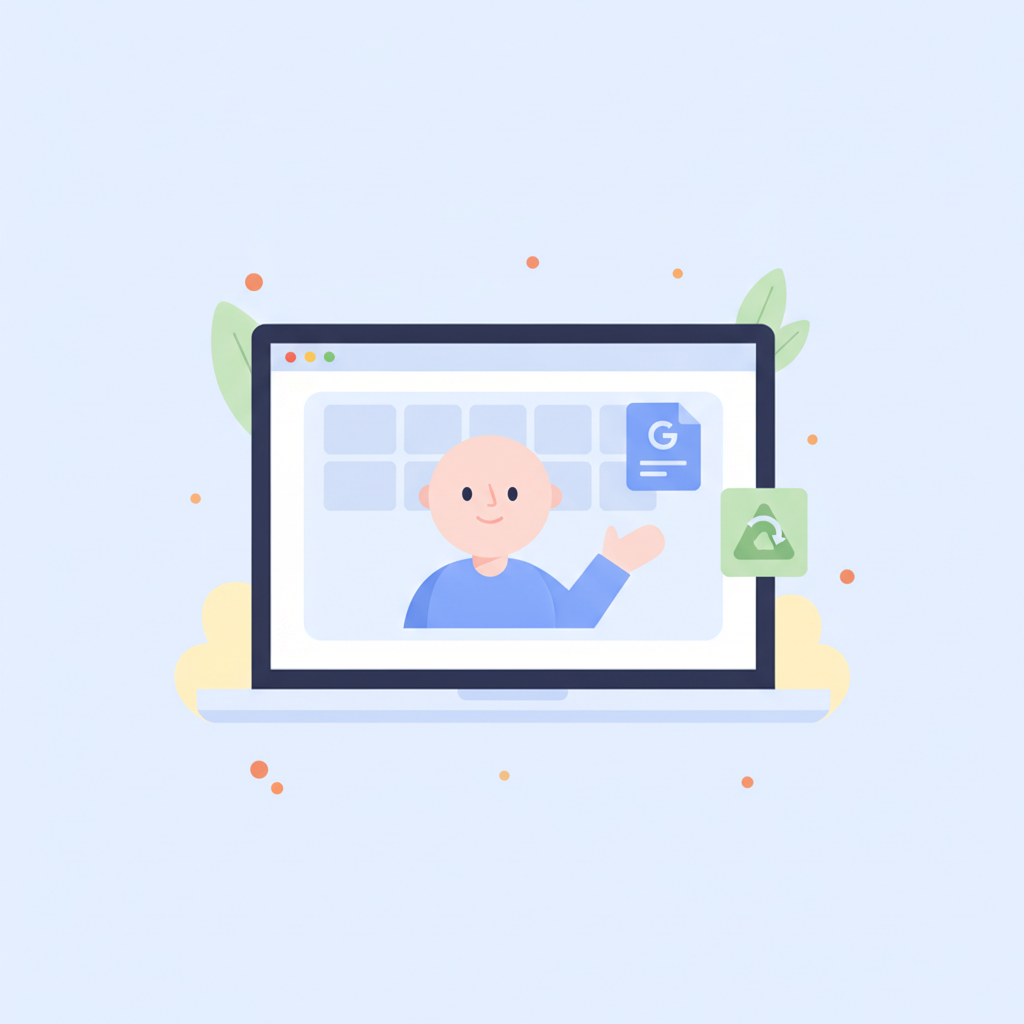
It’s free, simple, and works perfectly with the tools UK teachers and students already use every day. Unlike other platforms that try to be everything at once, Google Classroom focuses on doing one job exceptionally well: managing teaching and learning. It’s not a clunky, corporate tool forced into a school setting. It was built for education from the ground up.
Did you know?
According to research, teachers spend an average of 11.1 hours per week on marking and planning, which digital tools can significantly reduce. — UK Department for Education
During the lockdowns, its popularity exploded because it was the answer to the question: how to set up google classroom for remote learning quickly? Schools discovered it was easy to roll out, required minimal training, and just worked. It integrates directly with Google Docs, Sheets, Slides, and Drive, which many students use for their coursework anyway. This makes creating, distributing, and collecting assignments incredibly straightforward. The platform is flexible enough to support learning across all Key Stages, from simple resource sharing in primary school to managing complex A-level coursework.
Another huge factor is the cost. The answer to "is google classroom free for schools?" is a resounding yes for its core features. This accessibility has made it a default choice for schools and tutoring centres operating on tight budgets.
Here’s why it’s become so common in the UK education scene:
- Zero Cost: The standard version is completely free for schools, making it accessible to everyone.
- Simplicity: The interface is clean and intuitive. You don't need a tech degree to figure it out. Students get it, teachers get it.
- Google Integration: It connects perfectly with Docs, Drive, Calendar, and Gmail, creating a smooth workflow.
- Ofsted-Ready: Having a clear, organised digital record of assignments, feedback, and communication is a huge help when inspectors visit.
- Flexibility: It's great for in-person, hybrid, or fully remote learning models. Knowing how to set up google classroom for remote learning is a skill that remains valuable.
How do you complete a student google classroom login uk?
Students log in by going to classroom.google.com and entering their school email and password. It’s designed to be as simple as possible to get kids into their digital learning space without any fuss. The school or tutoring centre administrator provides each student with a unique Google Workspace for Education account, which usually ends in @yourschool.sch.uk.
This single sign-on gives them access to Classroom, Drive, Docs, and all the other connected tools. The process for a student google classroom login is the same whether they're on a school computer, a laptop at home, or a tablet. It’s a unified experience. Once logged in, they see a dashboard with cards for each of their classes. Clicking a card takes them straight to the class stream, assignments, and materials.
Here’s the step-by-step process:
- Open a Web Browser: Go to
classroom.google.com. - Enter Email: Type in the full school email address (e.g.,
student.name@yourschool.sch.uk). - Enter Password: Type in the password provided by the school.
- Join a Class: The first time, a student might need to click a "+" icon and enter a class code provided by the teacher. After that, the class will always appear on their dashboard.
That’s it. For anyone managing a google classroom login uk process, the key is ensuring students have their correct credentials. Most schools print these on a card for younger pupils or have a standard password reset procedure for older ones.
What are the main benefits of the google classroom app for mobile learning?
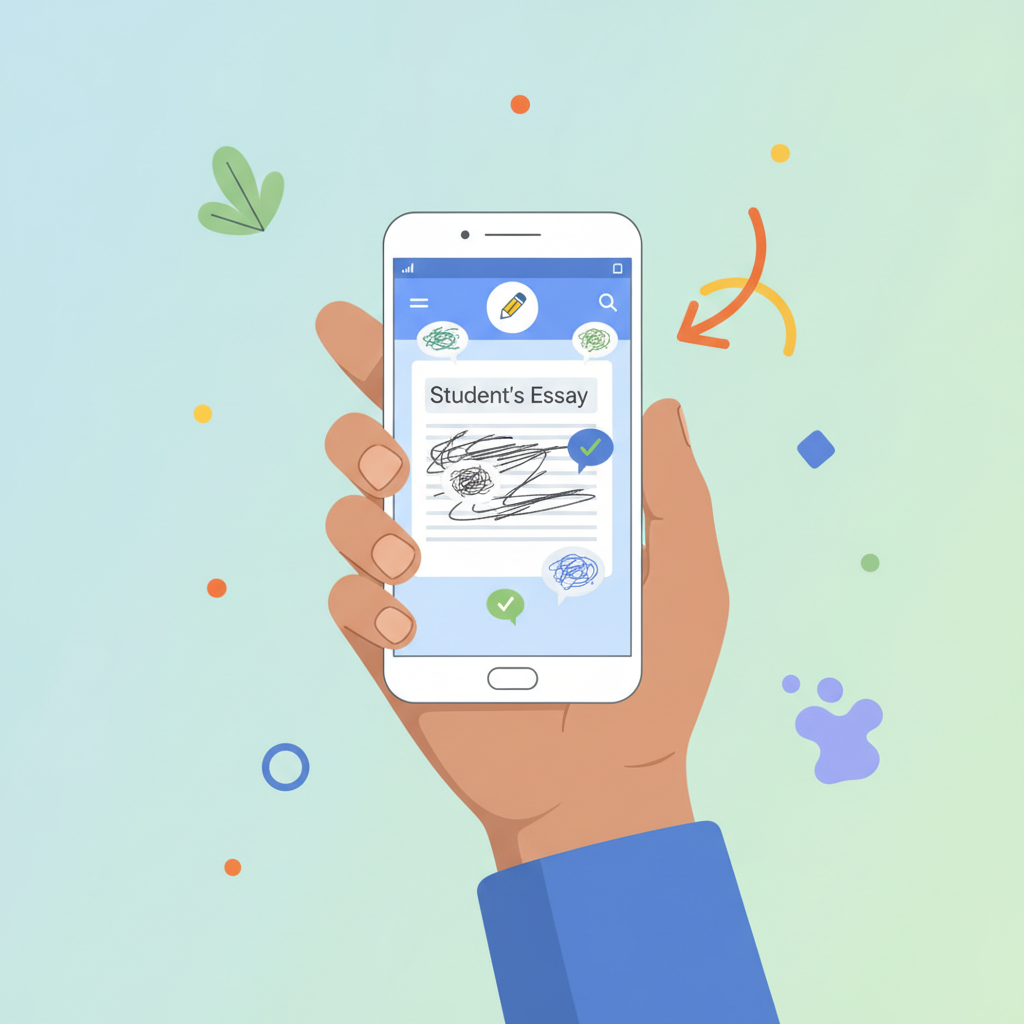
The google classroom app lets you and your students work from anywhere, even when you're offline. It’s not just a shrunken-down version of the website; it's a proper tool that makes mobile learning practical. For students, it means they can check deadlines, read announcements, and even work on assignments from their phone or tablet on the bus home.
For teachers, the google classroom app is a game-changer for productivity. You can mark assignments, answer student questions, and post announcements while waiting for a coffee. The push notifications are a huge plus. You can get an alert when a student submits work late or sends you a private comment, allowing you to respond quickly. The ability to work offline is another key feature. You can download assignments to mark, and all your feedback and grades will sync automatically when you're back online.
Key advantages of the google classroom app:
- Offline Access: Students can download class materials and assignments to work on without an internet connection. Their work syncs when they reconnect.
- Push Notifications: Instant alerts for new assignments, announcements, grades, and comments keep everyone in the loop.
- Easy Submission: Students can take a photo of handwritten work (like a maths problem) and submit it directly through the app.
- Mobile Marking: Teachers can provide feedback and grades directly from their phone or tablet. It's surprisingly easy to do.
- Quick Communication: Post announcements or reply to student queries instantly, without needing to be at your desk.
Getting the app is easy. Just search "Google Classroom" in the Apple App Store or Google Play Store to find the official google classroom download.
How does Google Classroom security protect student data privacy?
Google Classroom protects student data by complying with GDPR and using strong, built-in security measures. This is a big deal for UK schools, who are legally required to safeguard student information. Google is very clear about its policies for education: your school's data belongs to your school. Google doesn't own it, and they absolutely do not scan student emails or Classroom content for advertising purposes.
The entire Google Workspace for Education platform is designed to meet strict privacy and security standards, including GDPR in the UK and Europe, and COPPA (Children's Online Privacy Protection Act) in the US. They undergo regular third-party security audits to prove it. This means you can use Google Classroom with confidence, knowing that sensitive student data is being handled responsibly.
Here are some of the core security commitments:
- No Advertising: There are no ads in Google Classroom, and student data is never used to target ads.
- Data Ownership: The school or educational institution retains full ownership of all its data.
- GDPR Compliance: Google provides the tools and contractual commitments to help schools meet their GDPR obligations.
- Strong Encryption: All data is encrypted while in transit between your device and Google's servers, and while it's stored in their data centres.
- Admin Controls: School IT administrators have powerful controls to manage user access, security settings, and data policies for the entire organisation.
Is Google Classroom better than Microsoft Teams for primary and secondary education?

Google Classroom is often better for education because it's simpler and more focused on assignments and feedback. Microsoft Teams is a powerful communication tool, but it was originally built for the corporate world. It can feel a bit busy and complex for a school setting, especially for younger pupils. Google Classroom was designed for teachers and students from the start, and that focus shows.
The debate of google classroom vs microsoft teams for education often comes down to one thing: simplicity versus features. Teams has more advanced video conferencing and chat features, making it feel more like a business collaboration hub. Classroom's strength is its clean, uncluttered interface that revolves around the "Stream" (announcements) and "Classwork" (assignments) tabs. It’s less distracting and easier for students to navigate.
Honestly, for the core job of managing classwork, Google Classroom is the easy win. It’s faster to set up, easier to learn, and gets the job done with less friction.
| Feature | Google Classroom | Microsoft Teams for Education |
|---|---|---|
| Primary Use | Assignment management and class communication. | Team collaboration, chat, and video meetings. |
| Ease of Use | Very simple and intuitive. Ideal for all ages. | More complex. Can be overwhelming for younger students. |
| Integration | Deeply integrated with Google Docs, Drive, and Calendar. | Deeply integrated with Office 365 (Word, OneDrive). |
| Assignment Workflow | Excellent. Clean, logical process for creating, distributing, and marking. | Good, but assignments can feel buried within the chat-focused interface. |
| Cost | Core version is completely free for schools. | Included with paid Microsoft 365 Education plans. |
| Speed | Generally faster and more lightweight. | Can be slower to load due to its many features. |
The bottom line in the google classroom vs microsoft teams for education comparison is that both are good tools. But if your main goal is a straightforward, effective platform for managing learning, Google Classroom is almost always the better choice.
How can teachers automate assignment grading using Google Classroom?
Teachers can speed up marking in Google Classroom by using its built-in rubrics, originality reports, and gradebook. These tools won't do the marking for you, but they provide a solid structure that saves a huge amount of time. They are some of the biggest benefits of google classroom for teachers.
First, rubrics are fantastic. You can create a rubric for an assignment with specific criteria and performance levels. When you're marking, you just click the level the student achieved for each criterion. Google Classroom automatically calculates the score. It makes marking faster and, more importantly, fairer and more transparent. Students can see the rubric before they start, so they know exactly what you're looking for.
Next, the originality reports feature helps you check for plagiarism. It compares a student's work against billions of web pages and books. It highlights passages that might need a citation, teaching students about academic integrity while saving you the manual effort of checking. The gradebook then pulls all of this together, giving you a central place to view and manage all your marks before exporting them.
To get started with faster marking:
- Create a Rubric: When you make an assignment, click the "+ Rubric" button. You can create one from scratch or reuse a previous one.
- Define Criteria: Add criteria like "Clarity of Argument" or "Use of Evidence." For each one, add performance levels (e.g., Excellent, Good, Needs Improvement) with point values and descriptions.
- Attach to Assignment: Save the rubric and it will be attached to the assignment for both you and your students to see.
- Mark with the Rubric: When a student submits work, you'll see the rubric alongside their document. Simply click the appropriate level for each criterion to assign marks.
- Use Comment Banks: Save frequently used feedback in a "comment bank" to quickly add detailed notes without typing them out every time.
These are just some of the benefits of google classroom for teachers. While these tools help a lot, true automation for marking complex subjects like GCSE or A-level essays requires more. That’s where AI-powered platforms like IntelGrader come in. We integrate with Google Classroom to provide instant, detailed, and accurate marking on long-form answers, saving you up to 10+ hours a week.
Want to see how you can mark an entire class set of essays in minutes? Book a free demo of IntelGrader today.
What is the easiest way to manage parent-teacher communication through the platform?
The easiest way is to use the automated email summaries feature, which sends parents or guardians regular progress reports. You don't have to manually compile and send updates for every student. Once a parent is invited and accepts, Google Classroom does the work for you, sending them a daily or weekly email.
These summaries are a brilliant way to keep parents in the loop without adding to your workload. They give a high-level overview of their child's activity in your class. It helps parents support their child's learning at home by prompting conversations like, "I see you have a maths project due on Friday, have you started it?"
It's important to know what these summaries include and what they don't. They are designed for oversight, not for detailed grade reporting.
What Guardian Summaries Include:
- Missing work: A clear list of assignments that are past their due date.
- Upcoming work: A look at what's due today, tomorrow, or later in the week.
- Class activity: Recent announcements, assignments, and questions posted by the teacher.
What Guardian Summaries DO NOT Include:
- Student grades or marks.
- Private comments between the teacher and student.
- Examples of the student's work.
- Details of other students in the class.
This system respects student privacy while giving parents the information they need to provide support. It strikes the perfect balance.
Ready to Supercharge Your Marking?
You've seen how powerful Google Classroom is for organising your teaching. But what about the most time-consuming part: the actual marking?
IntelGrader connects directly to your Google Classroom account and uses advanced AI to mark essays, short-answer questions, and more in seconds. Get consistent, high-quality feedback for every student, every time, and win back your weekends.
See IntelGrader in Action – Book Your Free Demo
Frequently Asked Questions
Why is Google Classroom so popular?
Google Classroom is popular because it's free, incredibly easy to use, and integrates perfectly with other Google tools like Docs and Drive that schools already use. It has a simple, clean interface that doesn't overwhelm teachers or students, making it quick to adopt.
Can you use Google Classroom on a phone?
Yes, absolutely. The google classroom app, available for both Android and iOS, is a full-featured application that lets students and teachers do almost everything they can do on the web version, including submitting assignments, communicating, and even marking work. A google classroom download is highly recommended.
Can parents access Google Classroom?
Parents cannot log in to Google Classroom directly or see the class stream. However, teachers can invite them to receive regular email summaries of their child's progress, including missing work and upcoming deadlines. This keeps them informed without compromising student privacy.
Is Google Classroom completely free for schools?
Yes, the standard version of Google Classroom is completely free for any qualifying educational institution as part of the Google Workspace for Education Fundamentals plan. There are paid tiers (like Education Plus) that offer more advanced features like larger meeting capacities and enhanced security, but the core platform for managing classes and assignments costs nothing. This is a key reason why the answer to "is google classroom free for schools" has driven its widespread adoption. The google classroom login uk and student google classroom login process is the same for all tiers.
Ready to transform your grading?
See how IntelGrader can save your tutoring centre 10+ hours per week with AI-powered grading.